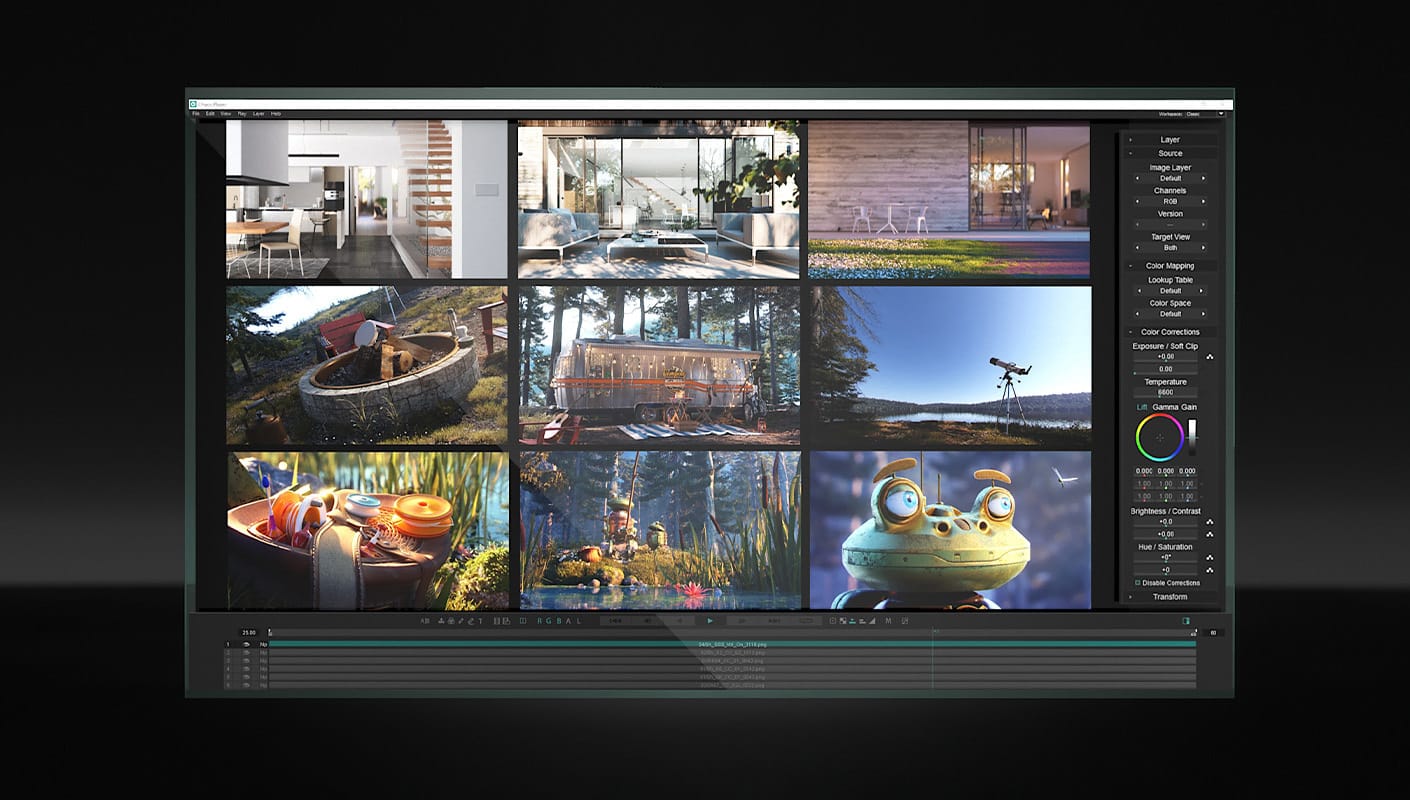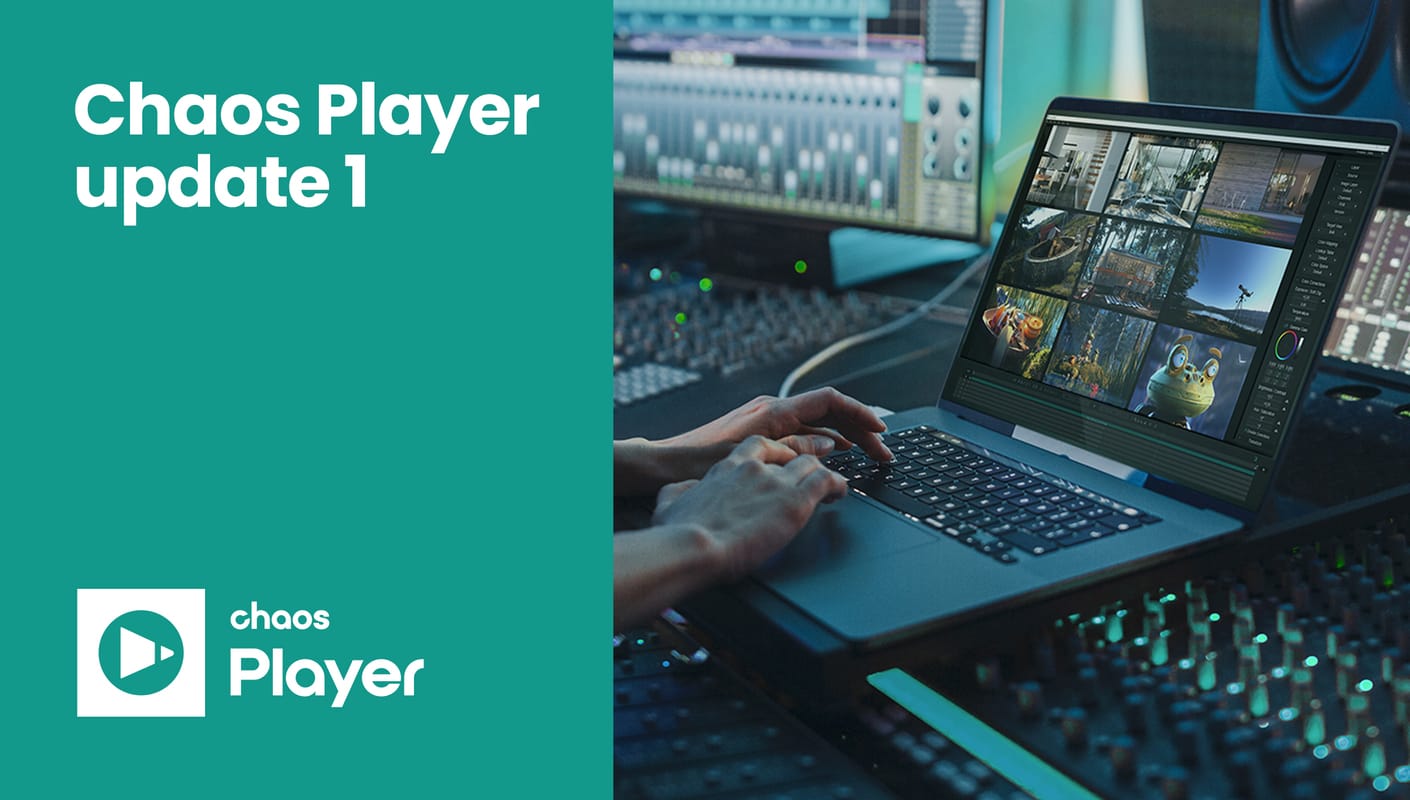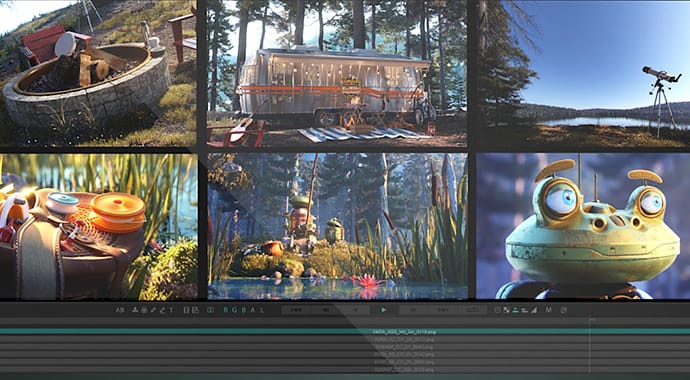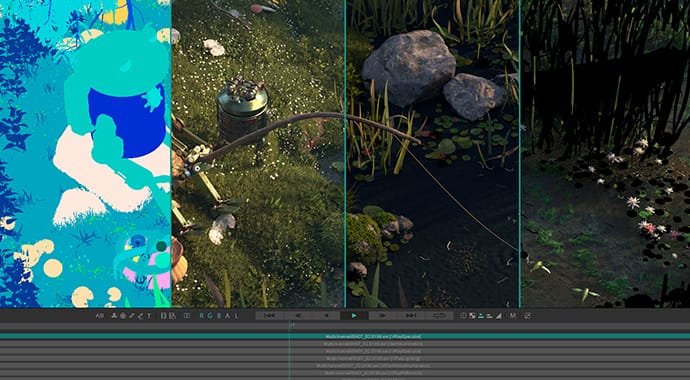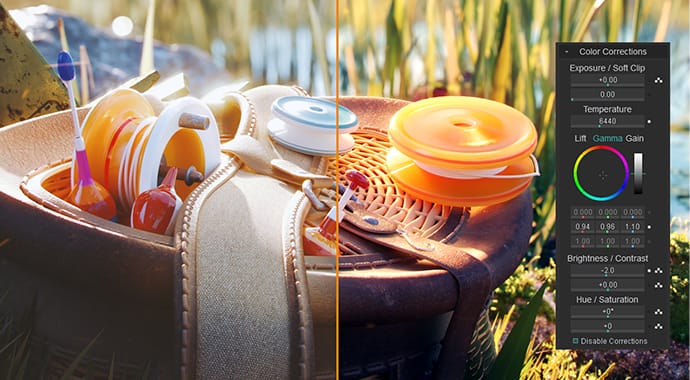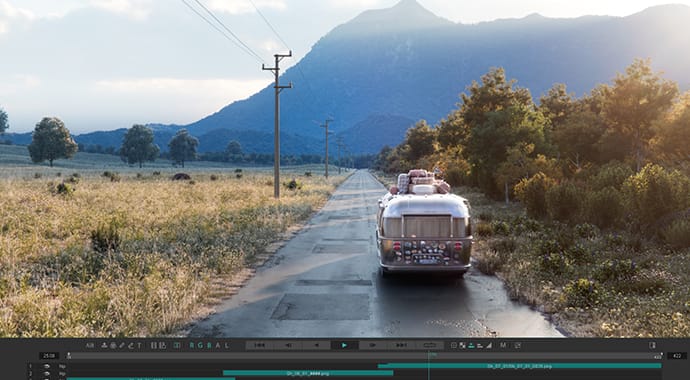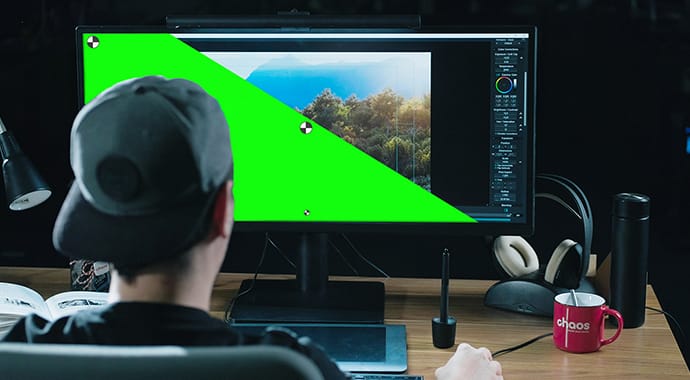


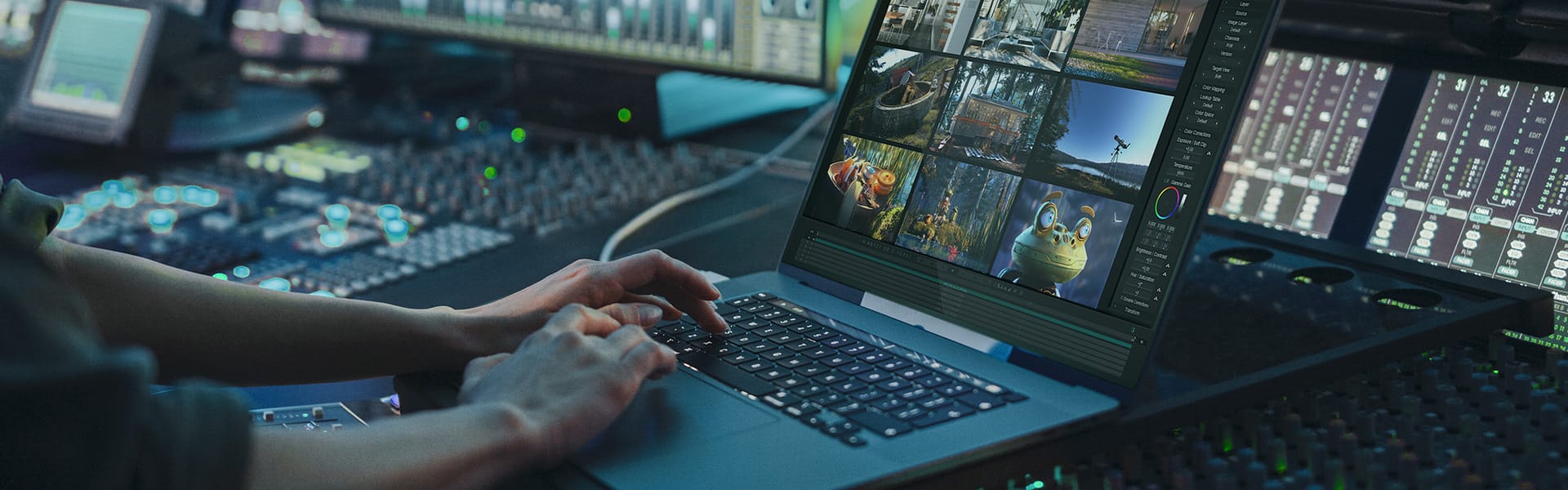
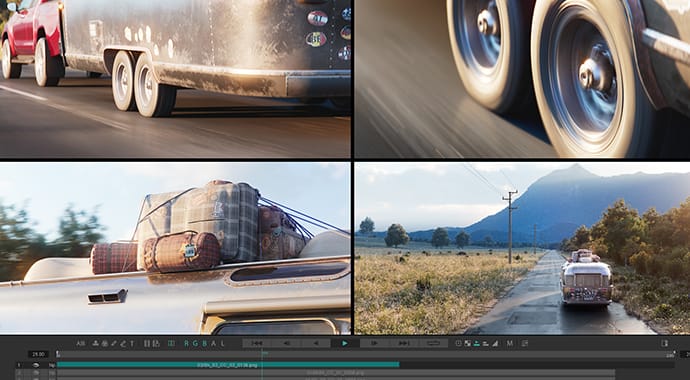
Pdplayer is an advanced image-sequence player supporting multi-layered sequence playback.
It is officially released and is available for immediate purchase and download! Click here to purchase
Click here to check out what's new in Pdplayer 1.0.2
Testimonials
Christopher Nichols
VFX supervisor, Method Studios
While PDPlayer can be seen as a flipbook tool, it is in fact a great deal more powerful than that. It is both extremely simple, and extremely powerful. It allows us to load and view frame sequences extremely fast.
However, it can do a lot more. From simple composites, color corrects, notation layers, output options, even saving comps into After Effects and Nuke scripts, I have yet to see a program that matches the feature set of pdplayer!
Visit Method Studios
Robert Nederhorst
VFX supervisor, SpeedShape, Santa Monica
pdplayer has been a really great app to use from early stages in development. The developers were very receptive to the many feature requests and implementation ideas we had. The software is a very lightweight app that gets out of the way of the process and lets the user do what they are supposed to do. The UI is sparse and very task specific. However, there are loads of great features that set pdplayer apart, like the layering system with full color controls. Additionally the output of After Effects and Nuke scripts directly from the software's layer system creates usable composites. It's great that people can QC their work in an app and then send all the layers to compositing so easily! This is a pretty amazing v1.0 of the software. I can't wait for v2 !
Visit SpeedShape
Greg Tsadilas, VFX Supervisor at Red Magnet
I would expect nothing less from the company that brought us the best 3D render engine out there, but the best way to view and manipulate multiple and concurrent image sequences. The ability to composite, make color corrections and even allow real-time remote viewing of my desktop, increases my productivity 1000%. To call pdplayer just a “flipbook viewer”, is like calling a priceless Diamond “just another rock.”Visit Red Magnet
Key features
Viewing Sequences
- • Multiple ways to open a sequence: double click, Open With » Pdplayer, drag and drop, copy and paste, File » Add Layer, File » Add Recent
- • Industry standard file format support including EXR, HDR, DPX, CIN, TGA, SGI, IFF, PIC, VRIMG and more
- • Variable framerate playback
- • Horizontal and vertical flip
- • Depth channel
- • Viewing a single channel
- • Global zoom, pan and pixel aspect
- • Mask and safe area
- • Timecode/frame indicator modes
- • Locating a frame in Windows Explorer
Stereoscopic Playback
- • Option to detect matching footage and automatically build a stereoscopic composition
- • Anaglyph, interlaced and checkerboard output
- • Support for stereoscopic EXR (SXR) files
Image Layers and Channels
- • Support for EXR and VRIMG image layers
- • Per-layer image channel support including alpha, luma and depth
Color
- • Support for 1D and 3D lookup tables (LUT)
- • Exposure and soft clip controls for high dynamic range images
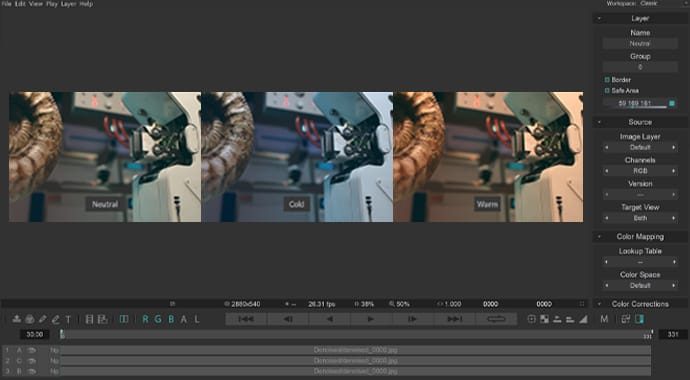
- • Color controls including lift, gamma, gain, brightness, contrast, hue and saturation
- • Adjustment Layer
Comparing Sequences
- • Toggle upper layer (V)
- • Difference blend
- • Side by side (Ctrl+Shift+Left, Right)
- • Layer crop rectangle (can approximate A/B split)
Layers
- • Layered sequence playback
- • Infinite workspace
- • Global and per-layer aspect ratio
- • Layer flip, scale, position and crop
- • Layer blending modes including normal, add, multiply, screen and difference
- • Alpha channel source
- • Layer opacity, including fade in and fade out
Caching
- • Layer-based cache
- • Realtime interactions
- • Full, half and quarter cache resolution
- • Preloading layers
- • Clear cache, Remove layer from cache
- • Direct disk playback (Layer » Disable Caching)
- • 64 bit (x64) version, not limited to 2 GB or 4 GB
Copy and Paste
- • Copy/paste layer, frame, copy from/to explorer
- • Clipboard Layer
- • Copy/paste color corrections
- • Copy layer to clipboard as Nuke script
Saving and Exporting
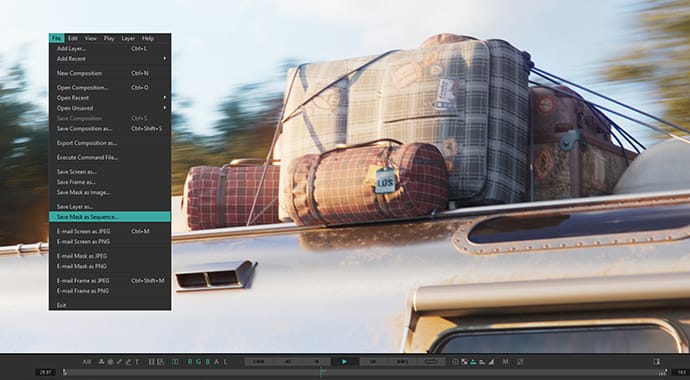
- • Ability to save a composition
- • Ability to save a frame, screen, mask
- • Export composition or single layer as sequence or AVI/Quicktime movie
Annotation and Collaboration
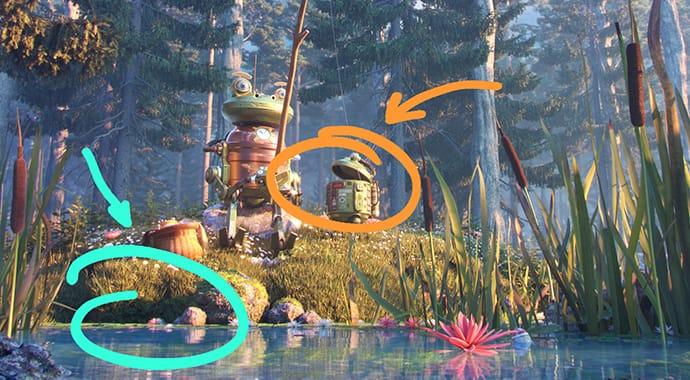
- • Brush Layer
- • Brush Sequence Layer
- • Text Layer
- • E-mail frame/screen
- • Built-in HTTP server for remote collaboration
Integration
- • Framebuffer Layer
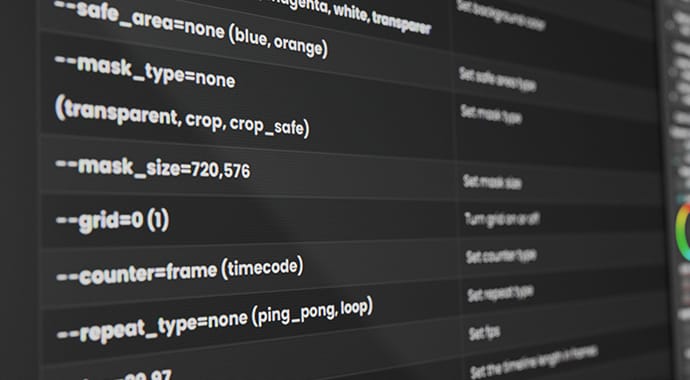
- • Extensive command line support
- • Export composition as After Effects .jsx, Nuke .nk, Pdplayer .pdpcmd
- • Copy layer to clipboard as Nuke script
External Output
- • Bluefish444
- • Blackmagic Decklink
- • NewTek VT
- • Firewire/IEEE1394
On-Set Grading and Monitoring
- • Live video layer from any DirectShow video input
- • Primary and secondary color key
Pdplayer price - 249,00- EUR
Click here to purchase onlineVolume Discounts are available if purchase is made directly from our resellers. Please see the full list of our current Pdplayer resellers here
Pdplayer download, support and inquiries
In order to be able to download Pdplayer one must register at the top right corner, log in and download Pdplayer from the download section
If you still have questions - feel free to contact us at pdplayer@chaosgroup.com or give us a call.
Copyright ©2009, Chaos Software