

downloads
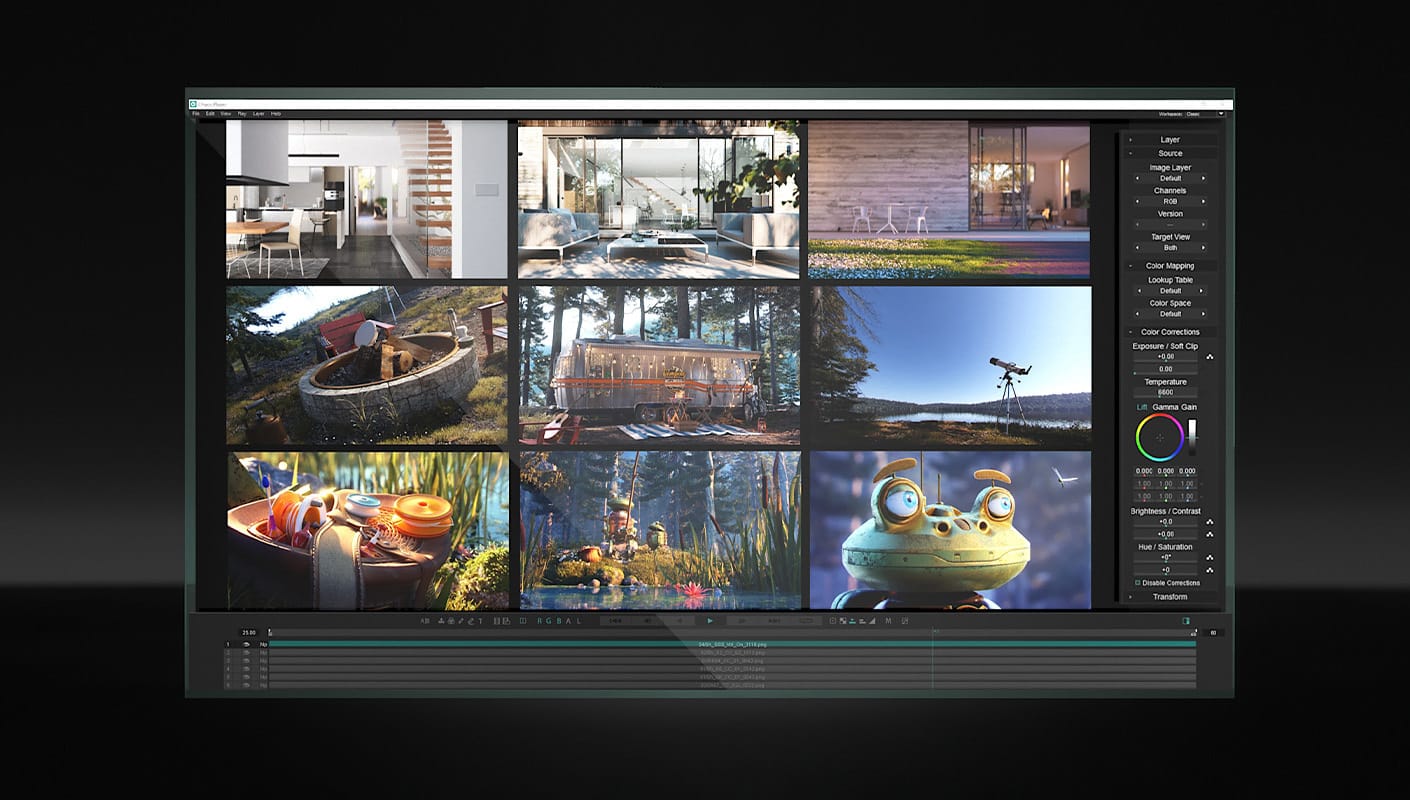
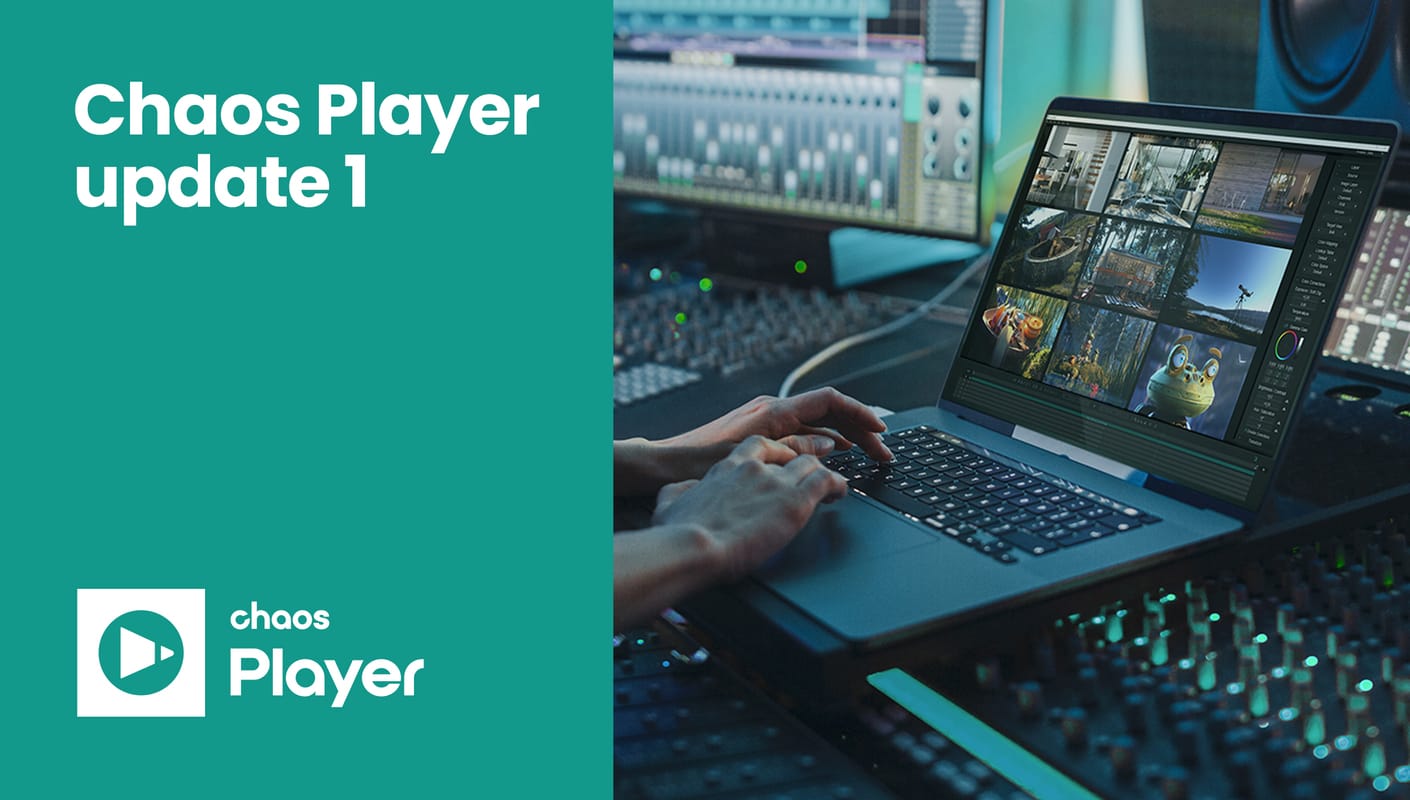
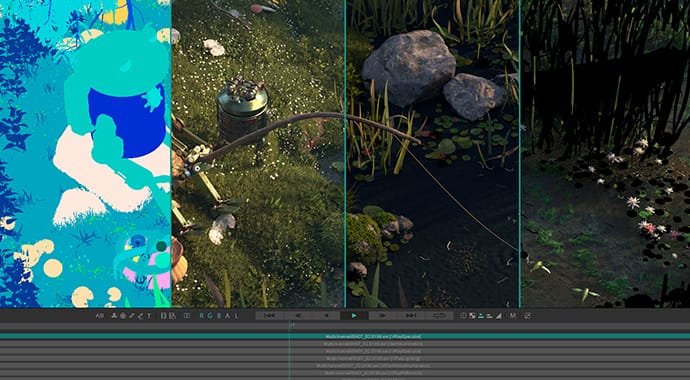
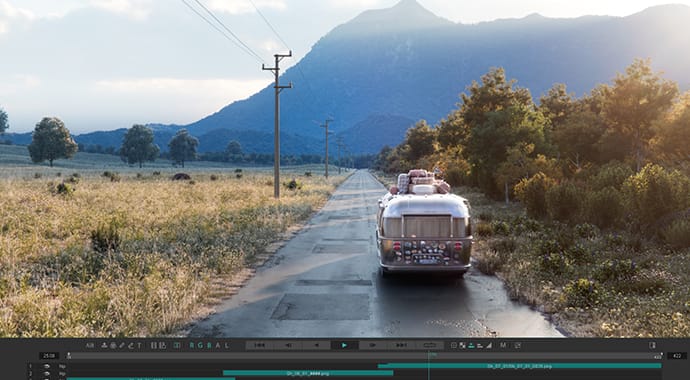
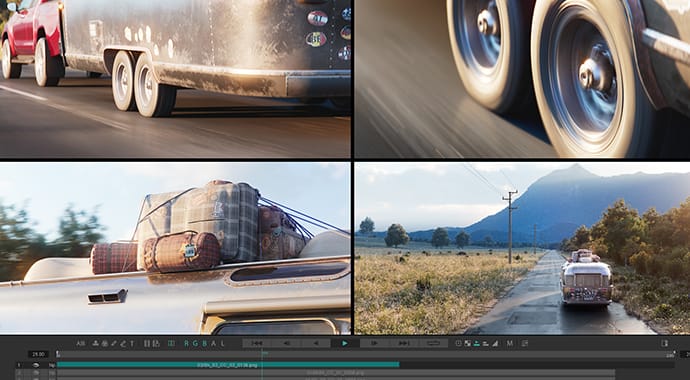
Pdplayer is an advanced image-sequence player supporting multi-layered sequence playback.
It is officially released and is available for immediate purchase and download! Click here to purchase
Pdplayer Features
Viewing Sequences
- • Multiple ways to open a sequence: double click, Open With » Pdplayer, drag and drop, copy and paste, File » Add Layer, File » Add Recent
- • Industry standard file format support including EXR, HDR, DPX, CIN, TGA, SGI, IFF, PIC, VRIMG and more
- • RED R3D support
- • Variable framerate playback
- • Horizontal and vertical flip
- • Depth channel
- • Viewing a single channel
- • Global zoom, pan and pixel aspect
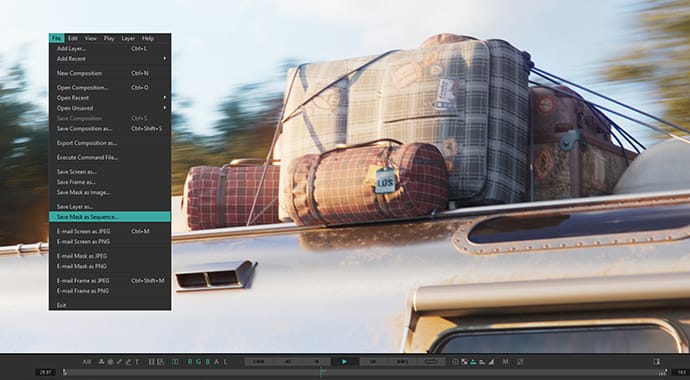
- • Mask and safe area
- • Timecode/frame indicator modes
- • Locating a frame in Windows Explorer
Stereoscopic Playback
- • Option to detect matching footage and automatically build a stereoscopic composition
- • Anaglyph, interlaced and checkerboard output
- • Support for stereoscopic EXR (SXR) files
Image Layers and Channels
- • Support for EXR and VRIMG image layers
- • Per-layer image channel support including alpha, luma and depth
Color
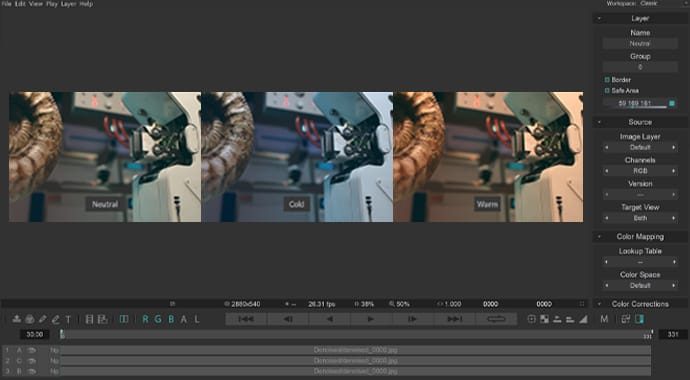
- • Support for 1D and 3D lookup tables (LUT)
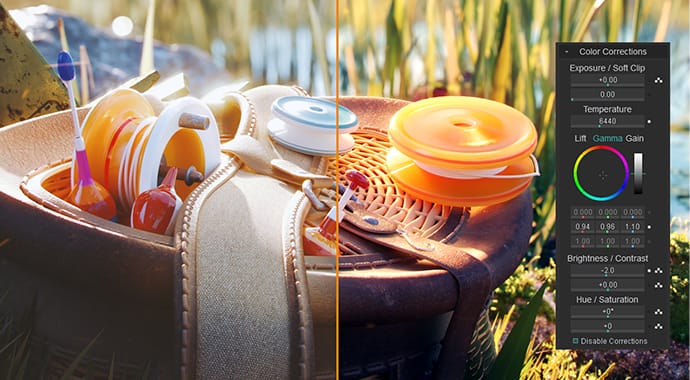
- • Exposure and soft clip controls for high dynamic range images
- • Color controls including lift, gamma, gain, brightness, contrast, hue and saturation
- • Adjustment Layer
Comparing Sequences
- • Toggle upper layer (V)
- • Difference blend
- • Side by side (Ctrl+Shift+Left, Right)
- • Layer crop rectangle (can approximate A/B split)
Layers
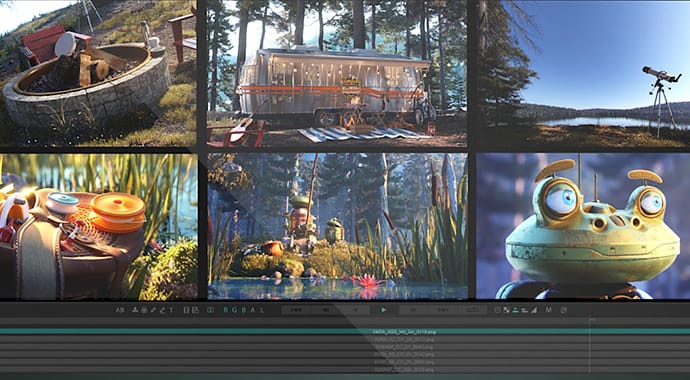
- • Layered sequence playback
- • Infinite workspace
- • Global and per-layer aspect ratio
- • Layer flip, scale, position and crop
- • Layer blending modes including normal, add, multiply, screen and difference
- • Alpha channel source
- • Layer opacity, including fade in and fade out
Caching
- • Layer-based cache
- • Realtime interactions
- • Full, half and quarter cache resolution
- • Preloading layers
- • Clear cache, Remove layer from cache
- • Direct disk playback (Layer » Disable Caching)
- • 64 bit (x64) version, not limited to 2 GB or 4 GB
Copy and Paste
- • Copy/paste layer, frame, copy from/to explorer
- • Clipboard Layer
- • Copy/paste color corrections
- • Copy layer to clipboard as Nuke script
Saving and Exporting
- • Ability to save a composition
- • Ability to save a frame, screen, mask
- • Export composition or single layer as sequence or AVI/Quicktime movie
Annotation and Collaboration
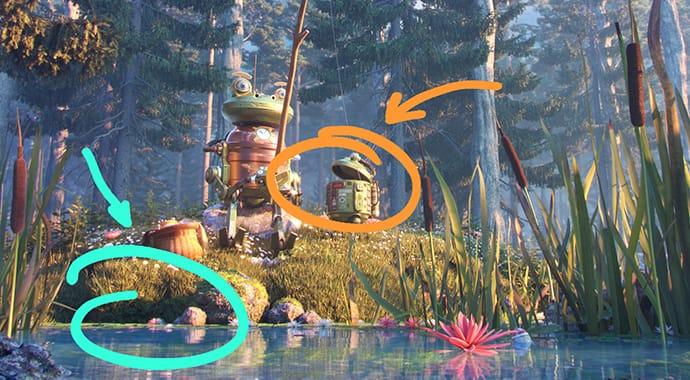
- • Brush Layer
- • Brush Sequence Layer
- • Text Layer
- • E-mail frame/screen
- • Built-in HTTP server for remote collaboration
Integration
- • Framebuffer Layer
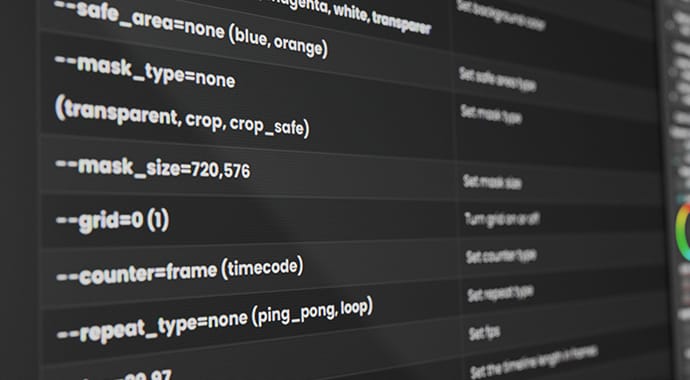
- • Extensive command line support
- • Export composition as After Effects .jsx, Nuke .nk, Pdplayer .pdpcmd
- • Copy layer to clipboard as Nuke script
External Output
- • Bluefish444
- • Blackmagic Decklink
- • NewTek VT
- • Firewire/IEEE1394
- • Secondary/tertiary display
- • AJA Kona (via DirectShow)
On-Set Grading and Monitoring
- • Live video layer from any DirectShow video input (only available on Windows)
- • Primary and secondary color key
Supported Operating Systems
- • Microsoft Windows Vista, Microsoft Windows XP
- • Mac OS X version of Pdplayer, containing both 32 and 64 bit applications (Pdplayer 32 and Pdplayer 64). It has been built and tested on Mac OS X 10.6 (Snow Leopard).
- • LINUX version of Pdplayer has been built and tested on Fedora Core 10, but should work on most distributions
Limitations
Compared to the Windows version, Pdplayer for Mac OS X has the following limitations:- • Audio output is not supported;
- • External device output is not supported;
- • Live video layers are not supported;
- • The --attach command line option is not supported.
In addition, the following features are not yet functional:
- • Watch for New Frames;
- • Frame buffer (shared memory) layers;
- • HTTP server.
The Linux version has the following limitations, compared to the Windows one:
- • Audio is not supported;
- • AVI, MOV and other types of movies (except R3D) are not supported;
- • External device output is not supported;
- • Live video layers are not supported;
- • The --attach command line option is not supported.
In addition, the following features are not yet functional:
- • Watch for New Frames;
- • Frame buffer (shared memory) layers;
- • HTTP server.